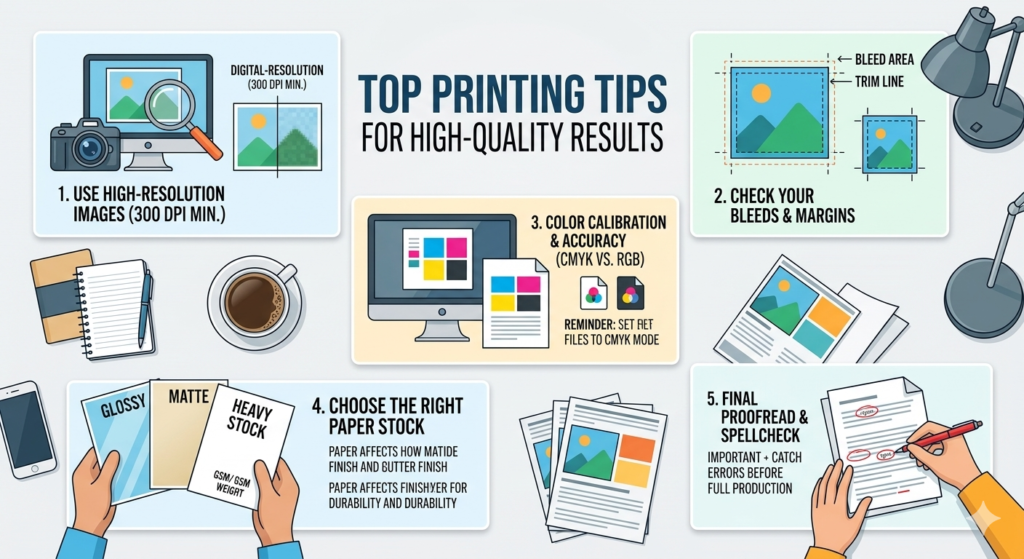
Top Printing Tips for High-Quality Results
Getting professional print results requires proper file preparation. Whether you are printing banners, flyers, posters, or business cards, following the right printing guidelines will ensure sharp images and accurate colours.
Here are some important tips to achieve high-quality printing results.
1. Always Use 300 DPI Resolution
Images should be set to 300 DPI (dots per inch) for professional printing.
Low-resolution images often appear blurry or pixelated when printed.
Using high-resolution images ensures sharp and clear print quality.
2. Set Files to CMYK Colour Mode
Printing uses CMYK colour mode instead of RGB.
RGB is designed for screens, while CMYK is used for printers. Converting your design to CMYK helps ensure accurate and consistent colours in print.
3. Add 3mm Bleed
Bleed is the extra space around the edges of your design.
Adding 3mm bleed prevents unwanted white edges when the design is trimmed after printing. This ensures a clean and professional finish.
4. Use Proper Margins
Keep important elements like text, logos, and contact details away from the edges.
Using proper margins helps prevent content from being cut off during the trimming process.
5. Supply Print-Ready PDFs
Always provide print-ready PDF files when sending designs for printing.
Print-ready PDFs preserve fonts, images, and layout settings, ensuring accurate and reliable printing results.
Following these professional printing tips ensures flawless results every time.